
Your Clearwave Fiber Router delivers a fast, reliable home Wi-Fi experience AND it comes with the Clearwave Fiber Wi-Fi App so you can conveniently manage your home Wi-Fi network – it’s simple, easy to control and worry-free!
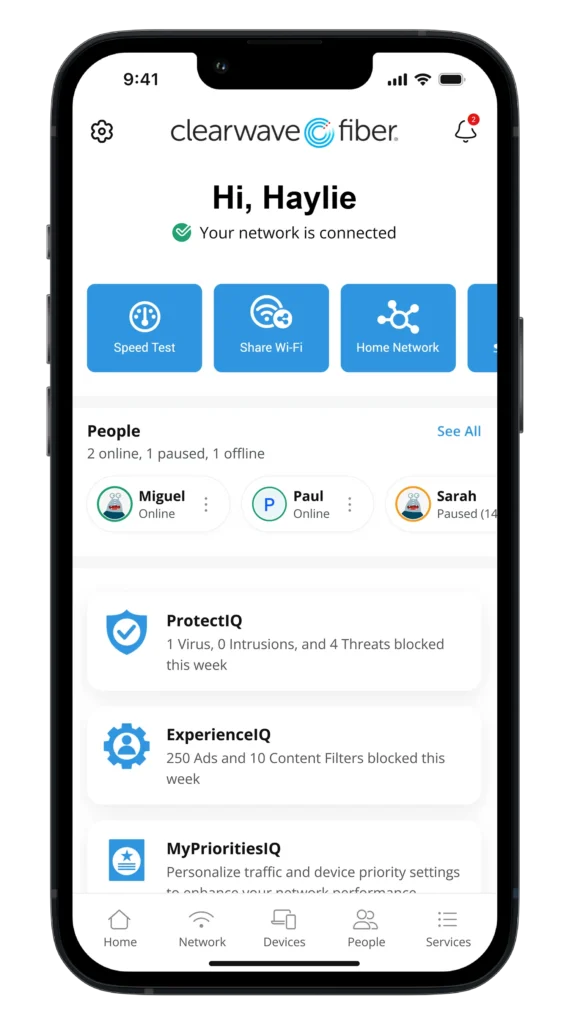
The Clearwave Fiber Wi‑Fi App – Power in the Palm of Your Hand


Clearwave Fiber App Features
With the Clearwave Fiber Wi-Fi App, you can:
- Change or reset your Wi-Fi network name or password
- See and pause the devices currently using your Wi‑Fi
- Categorize devices (e.g. personal, work, mobile)
- Quickly find the most used features on the Quick Links Carousel
- Create routines for scheduled downtime (e.g. bedtime)
- Run a speed test to verify the speed you are getting
- Create a shareable guest network and keep your main network name/password private
All of the app features that come with the Clearwave Fiber Router (noted above), plus the following:
- Block applications and categories that you deem inappropriate.
- Set time limits for specific applications to cap screen time.
- Set Safe Search and YouTube Restriction to block harmful or inappropriate content with searching on Google, Bing, or YouTube. YouTube Restriction also blocks all comments on videos which often include inappropriate language.
- View usage for all devices to better understand how the internet is being used in your home.
- Prioritize application groups or specific devices to ensure the best possible experiences for your most important needs. Set schedules so that work applications get priority during the day, and streaming applications get priority in the evening.
- Proactively monitors your home’s incoming traffic and automatically blocks anything suspicious.
- Blocks attempted visits to known harmful websites, presenting users with a browser message indicating that the website is not available.
- Provides an active security monitoring service that uses a large and constantly growing database of threats (database is updated weekly).
- Uses Intrusion Prevention Settings (IPS) to monitor, notify, and prevent activity such as hackers trying to gain access to the local video content (Wi-Fi connected doorbell or baby monitor), virtual meetings, and other streams.
- Actively terminates data transfers before a malicious payload is delivered to any vulnerable network device.
- Notifies users whenever a security issue is triggered, with details about the device that was attacked, where the attack came from, and when the attack occurred.
Get Started with the App
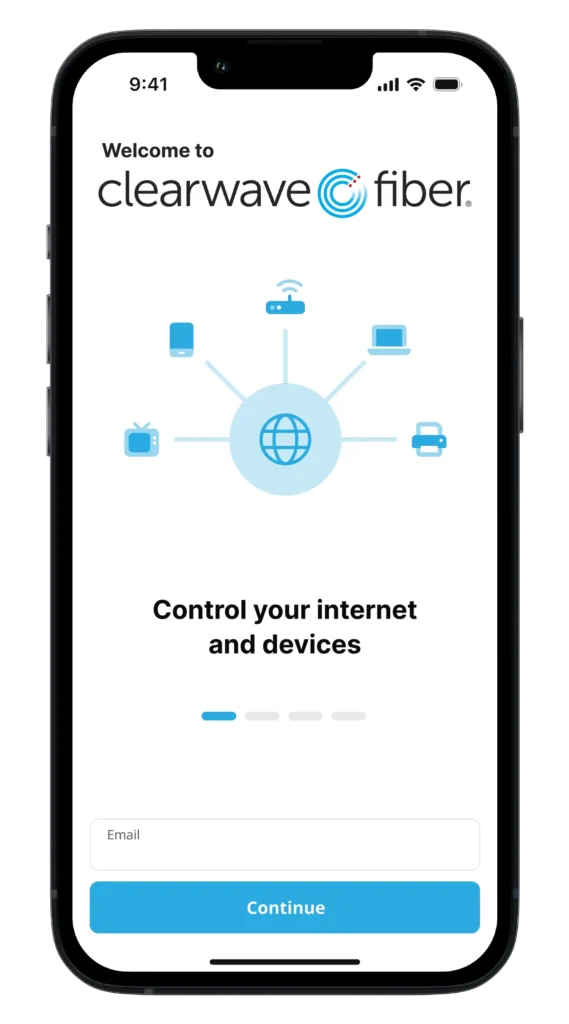
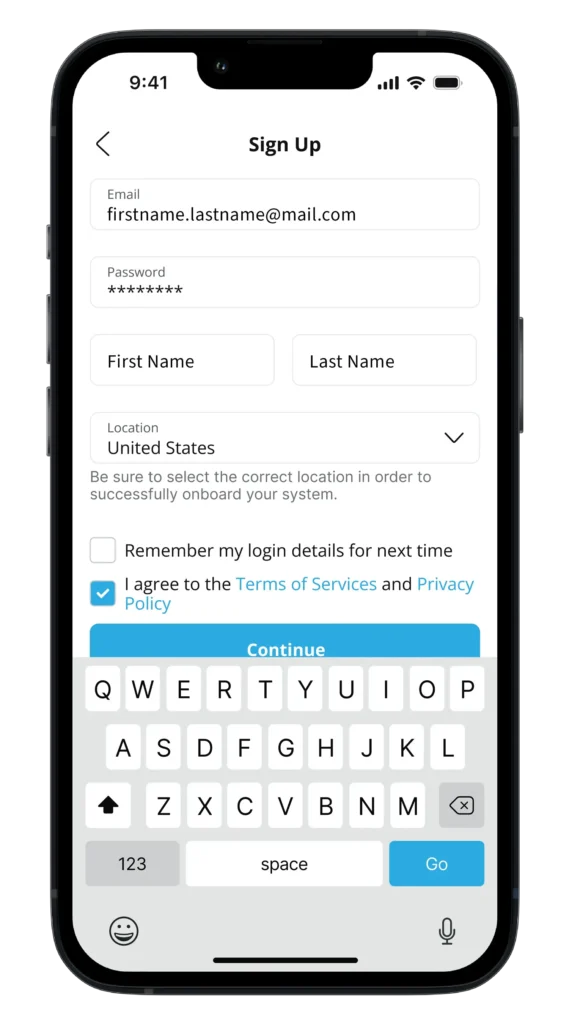
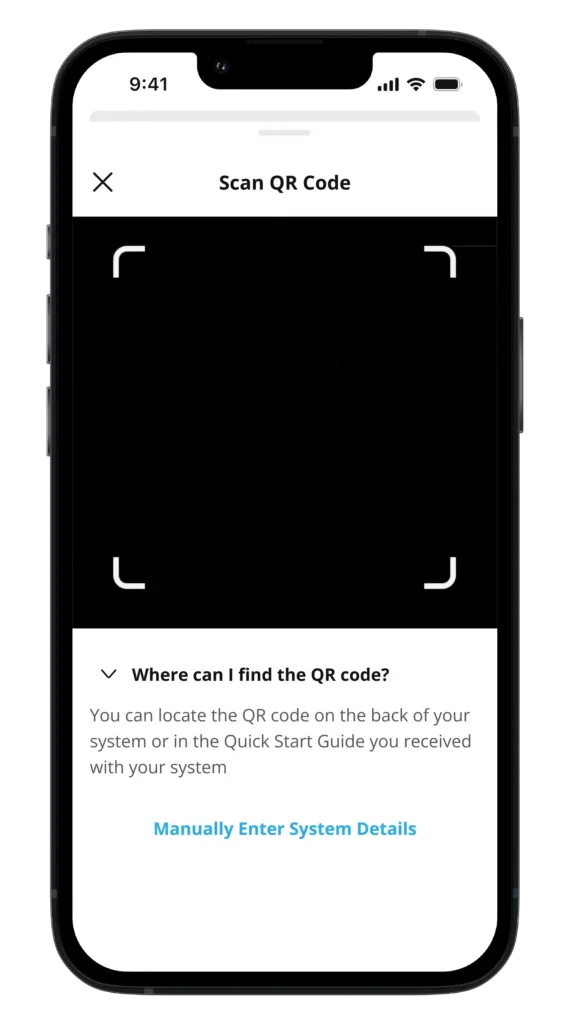
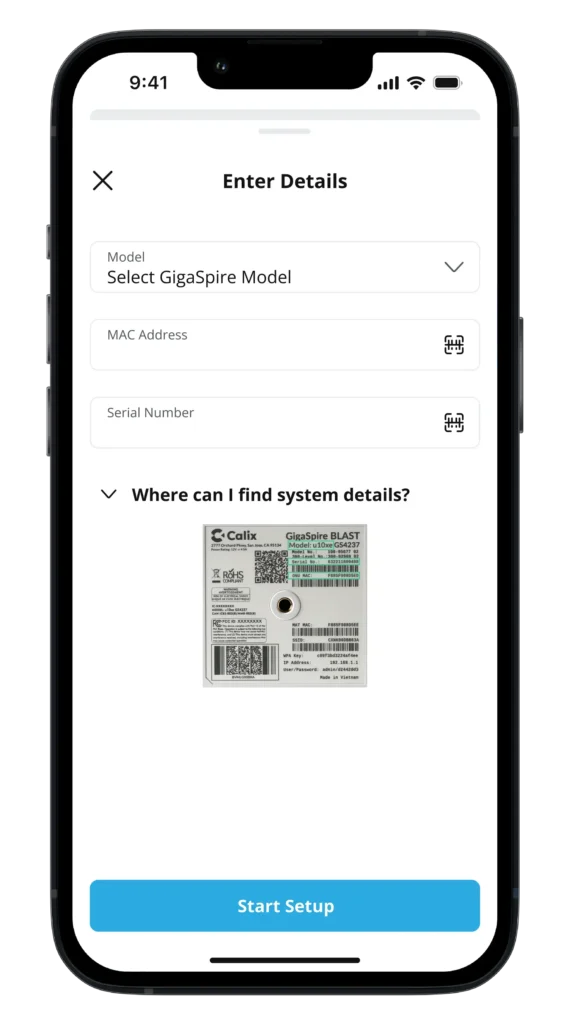
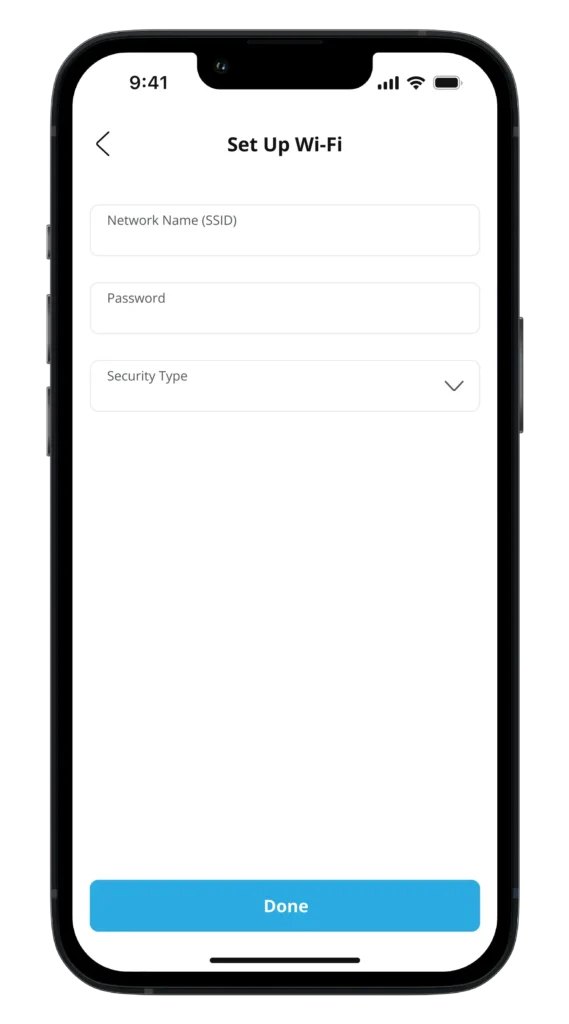
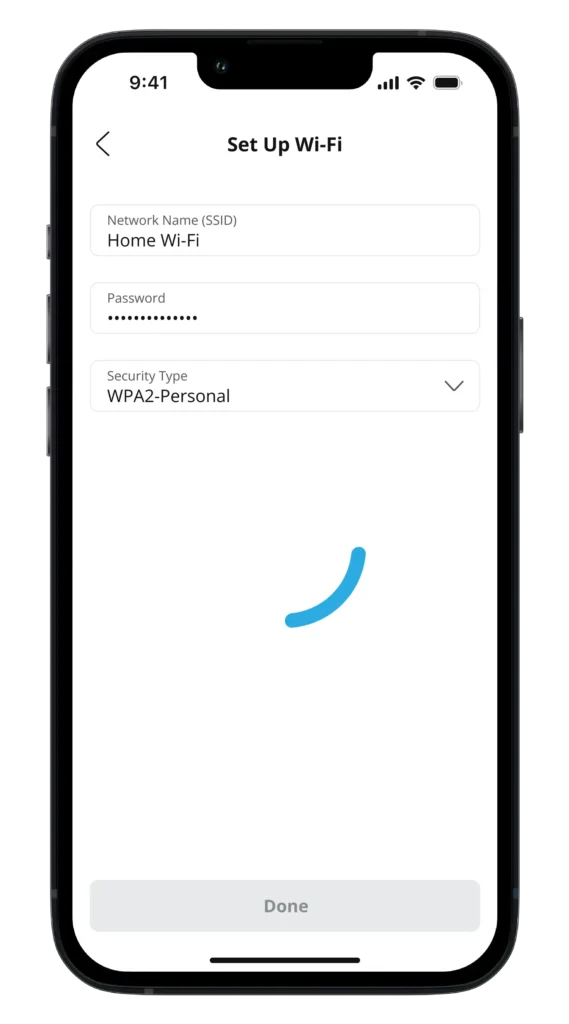
The app allows you to easily manage your home Wi-Fi network within minutes. Download the app and take control of your Wi-Fi network today!
You can search either the Apple App Store or the Google Play Store for “Clearwave Fiber,” then install it on your mobile device.
If you are currently using the CommandIQ version of the app:
Please follow the instructions above to download the Clearwave Fiber version of the app using your same log‑in credentials.